A word processor, with Markdown underneath.
Write on an A4 or Letter sheet while the toolbar handles the syntax. Add diagrams from a few lines of text, check every page of the PDF before you export, and keep plain .md files that open anywhere.
9.99 USD, paid once. No account, no subscription.


- Windows
- Mac
- iPhone
- iPad
- Android
Two ways to write
The page, or the source. Your call.
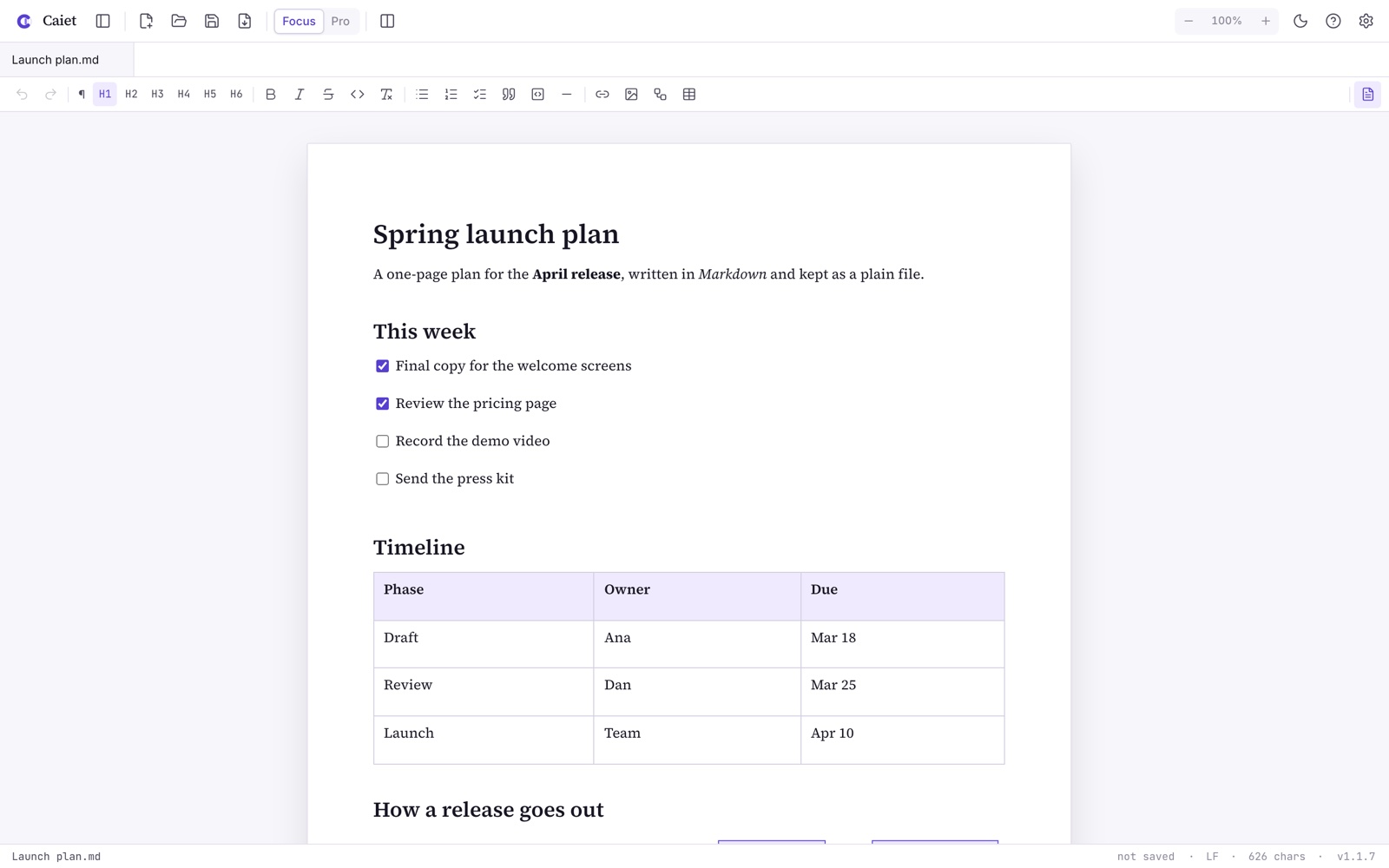
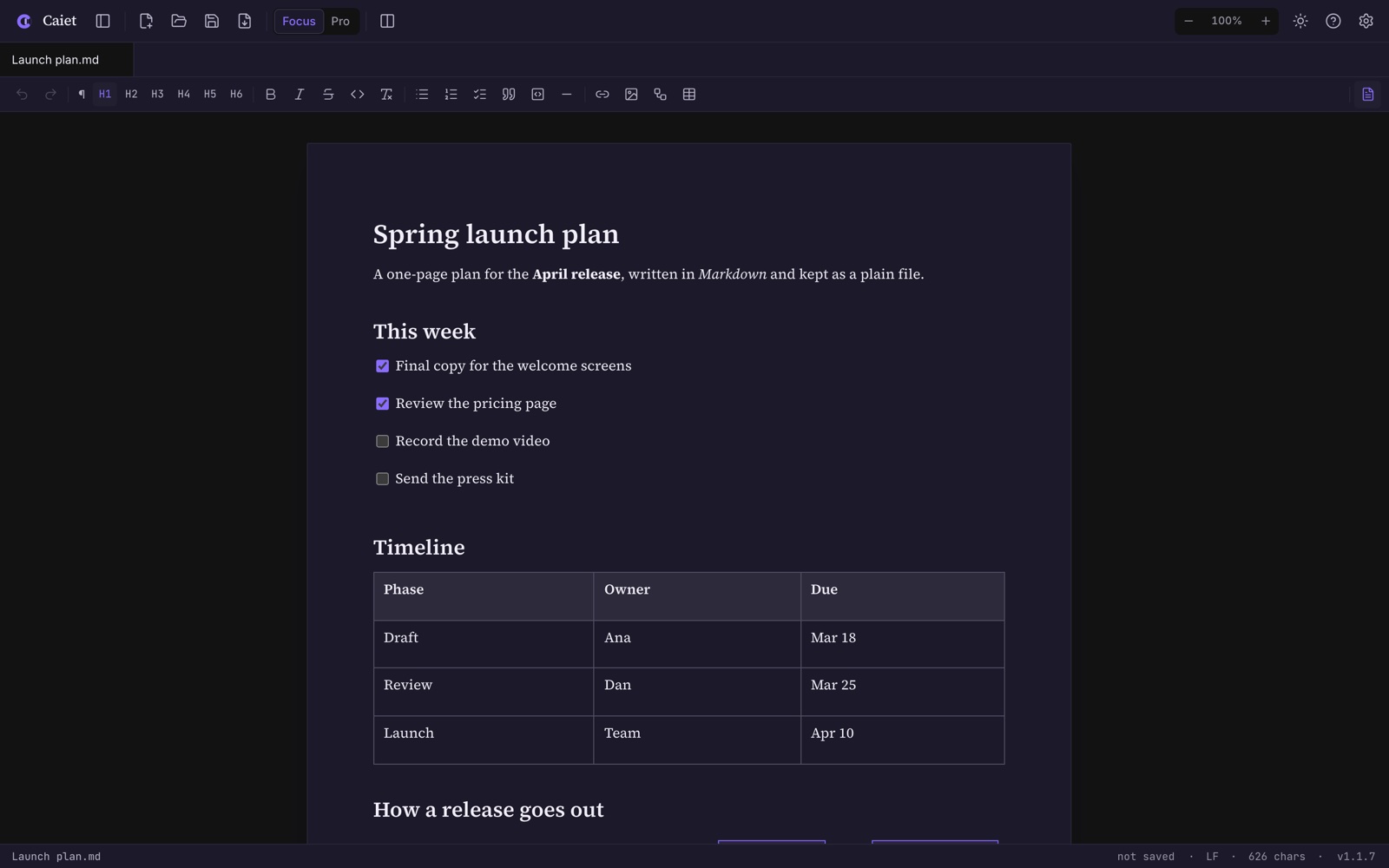
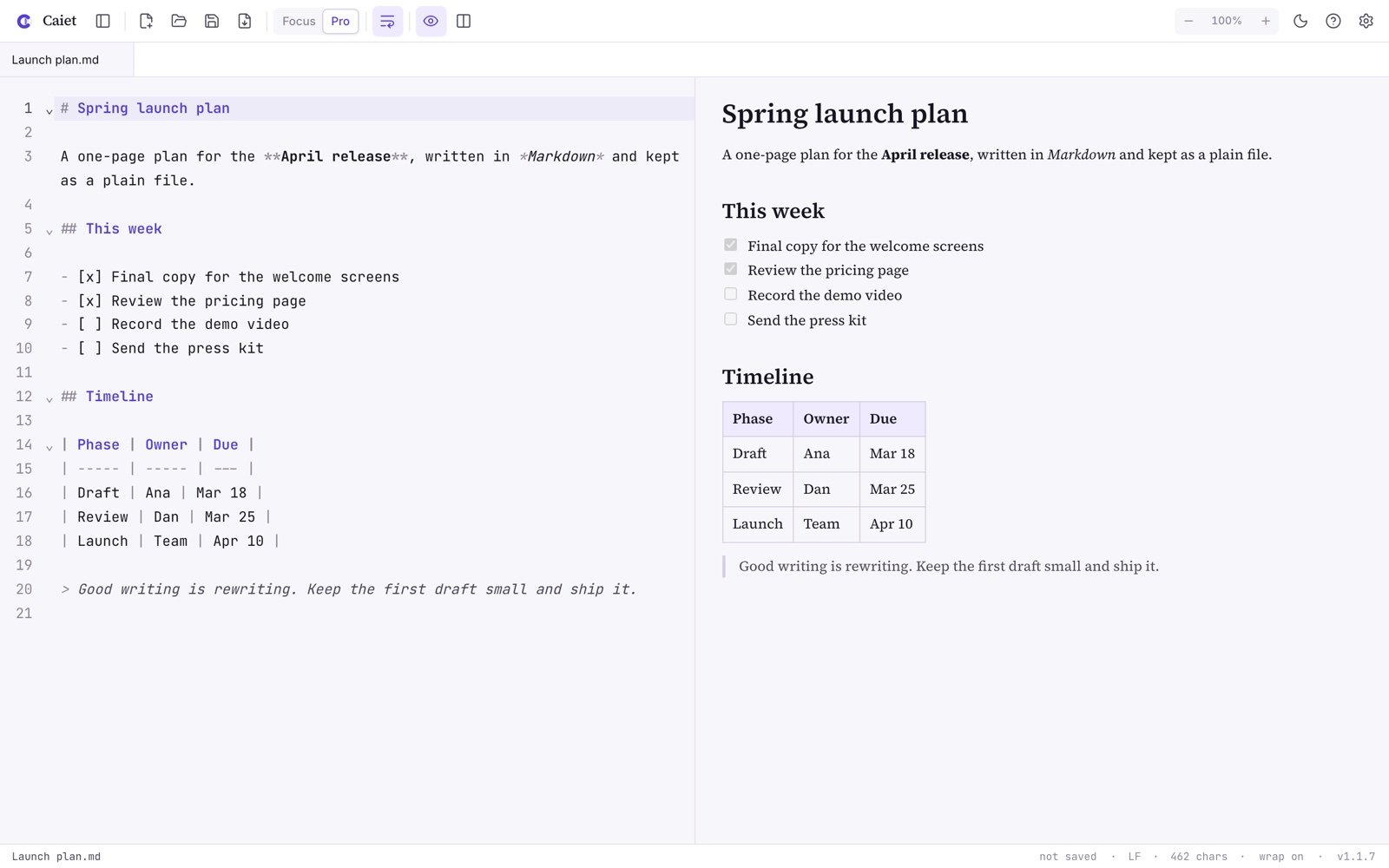
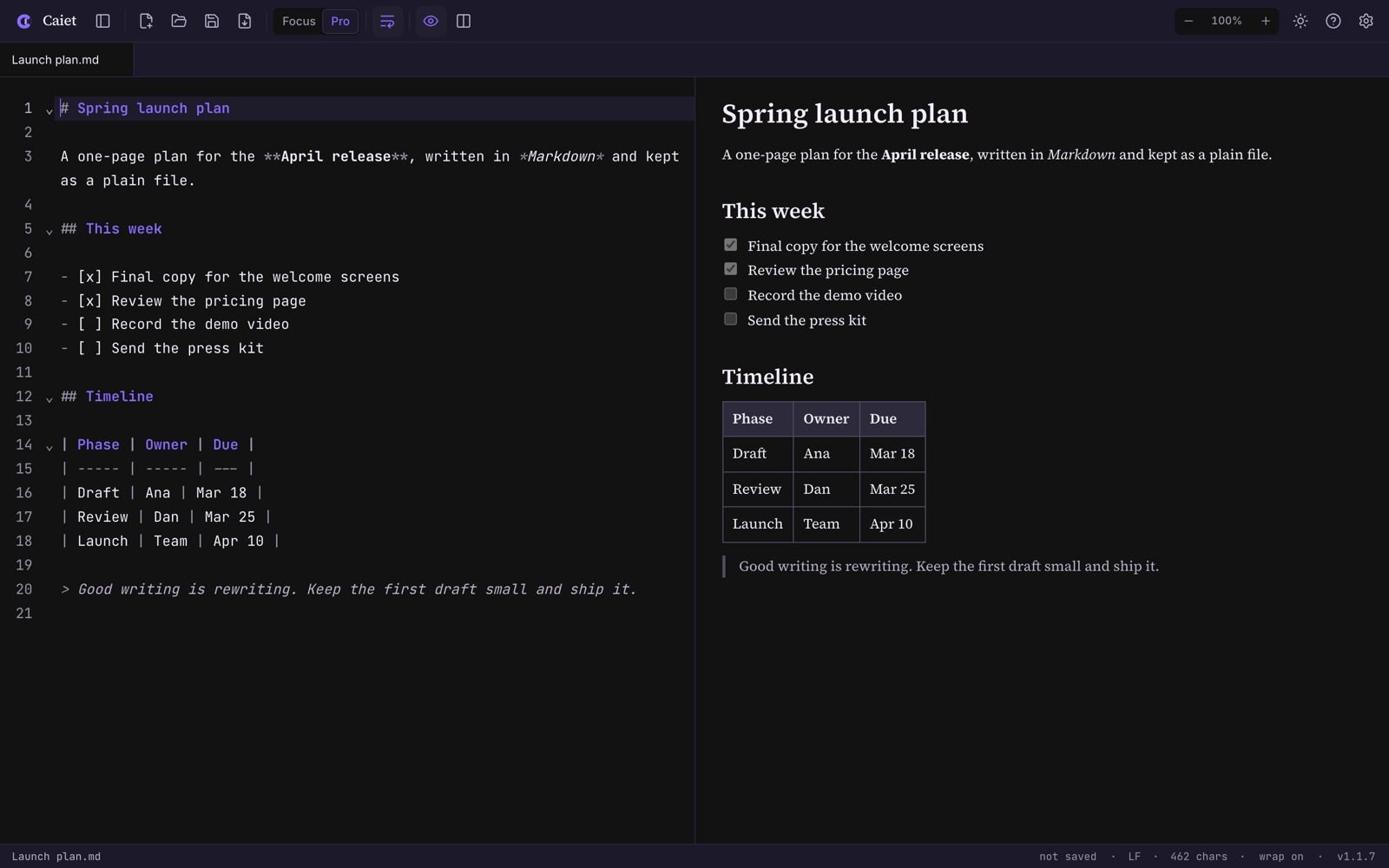
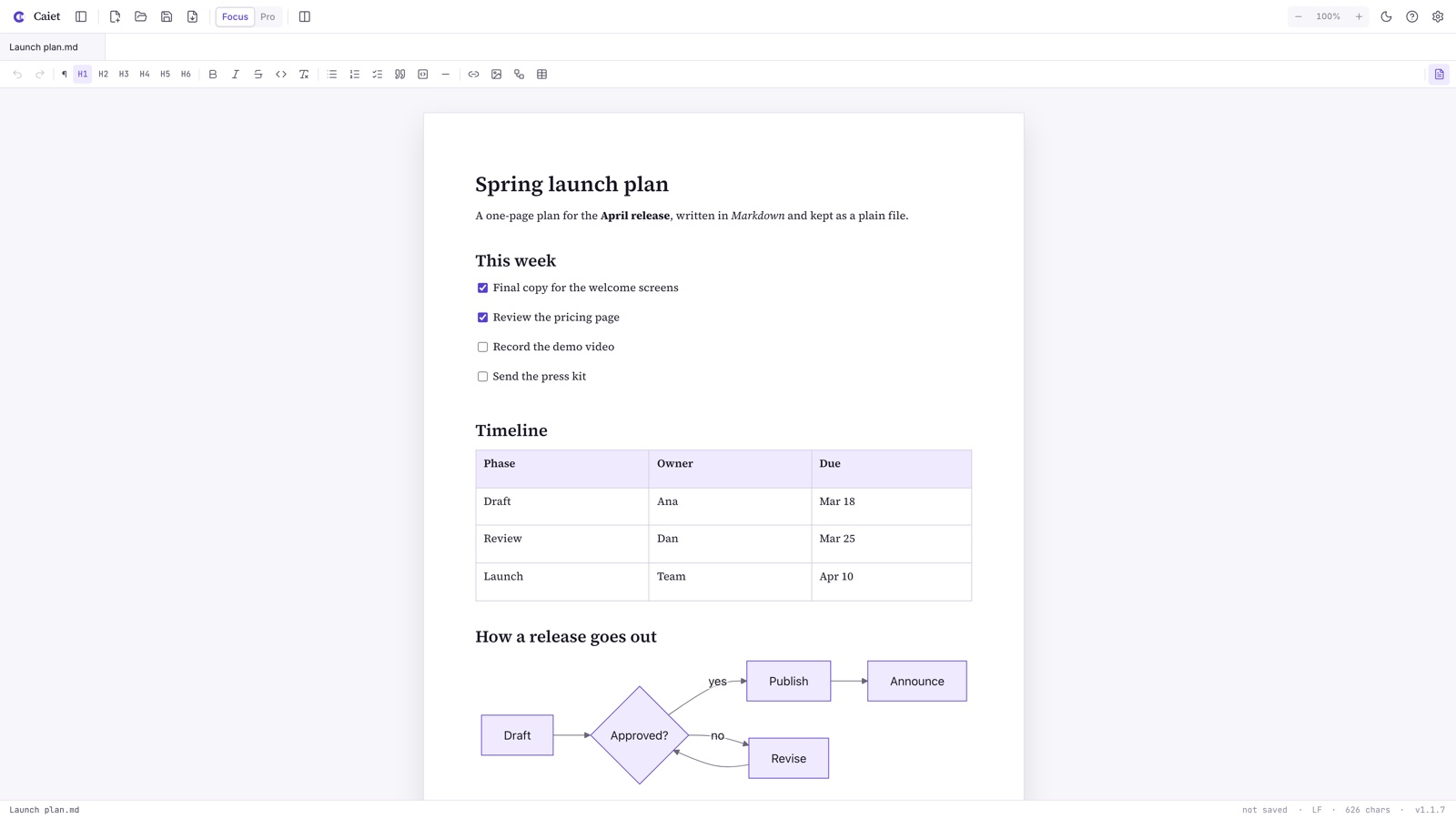
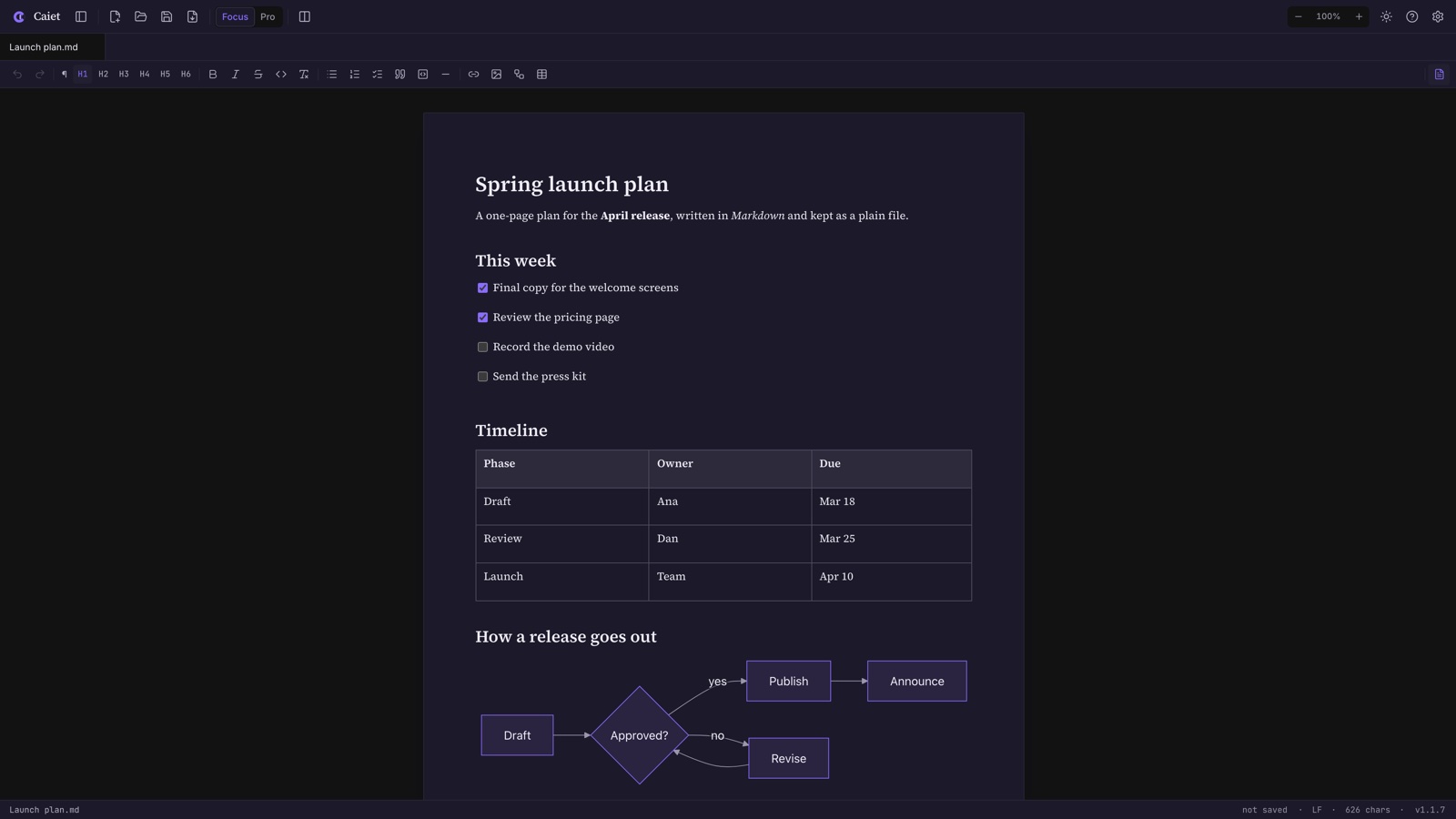
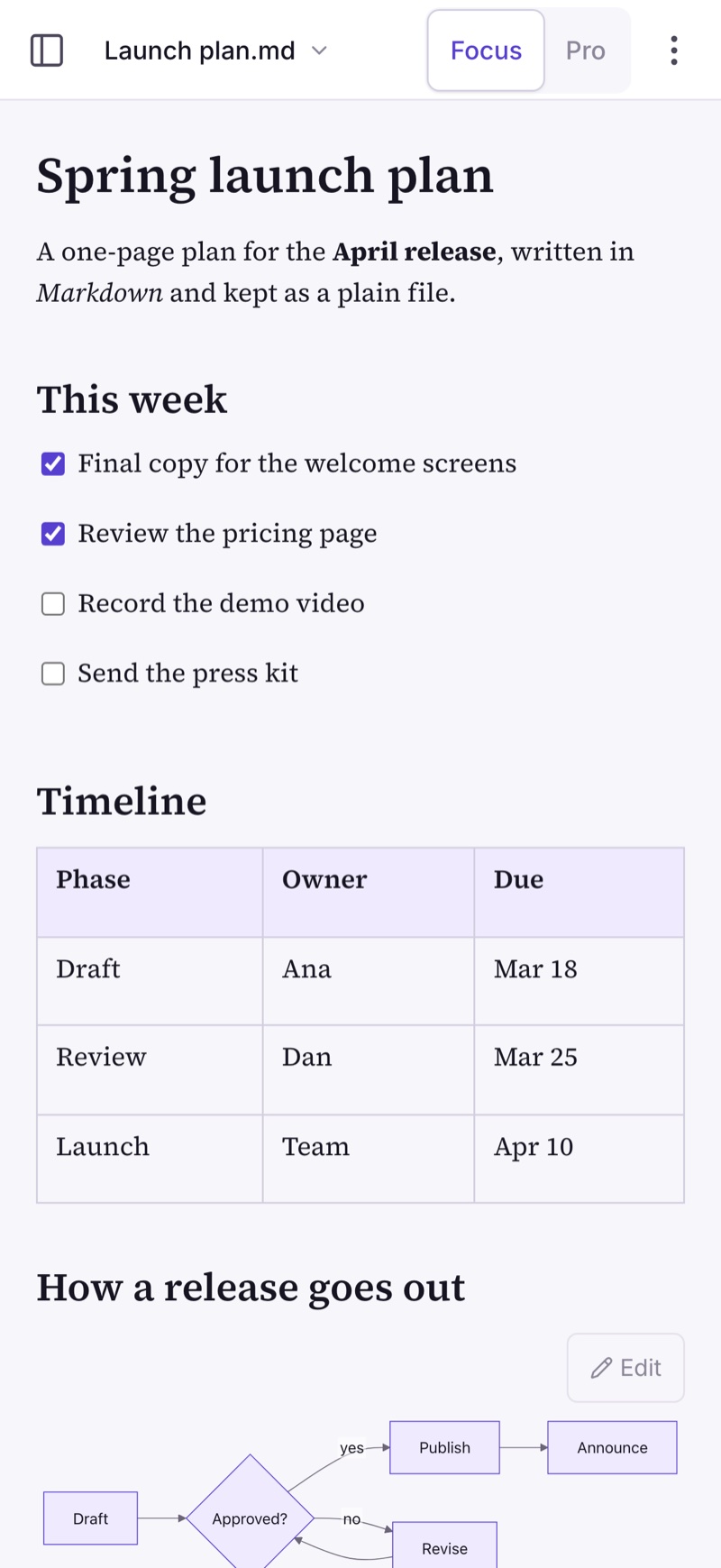
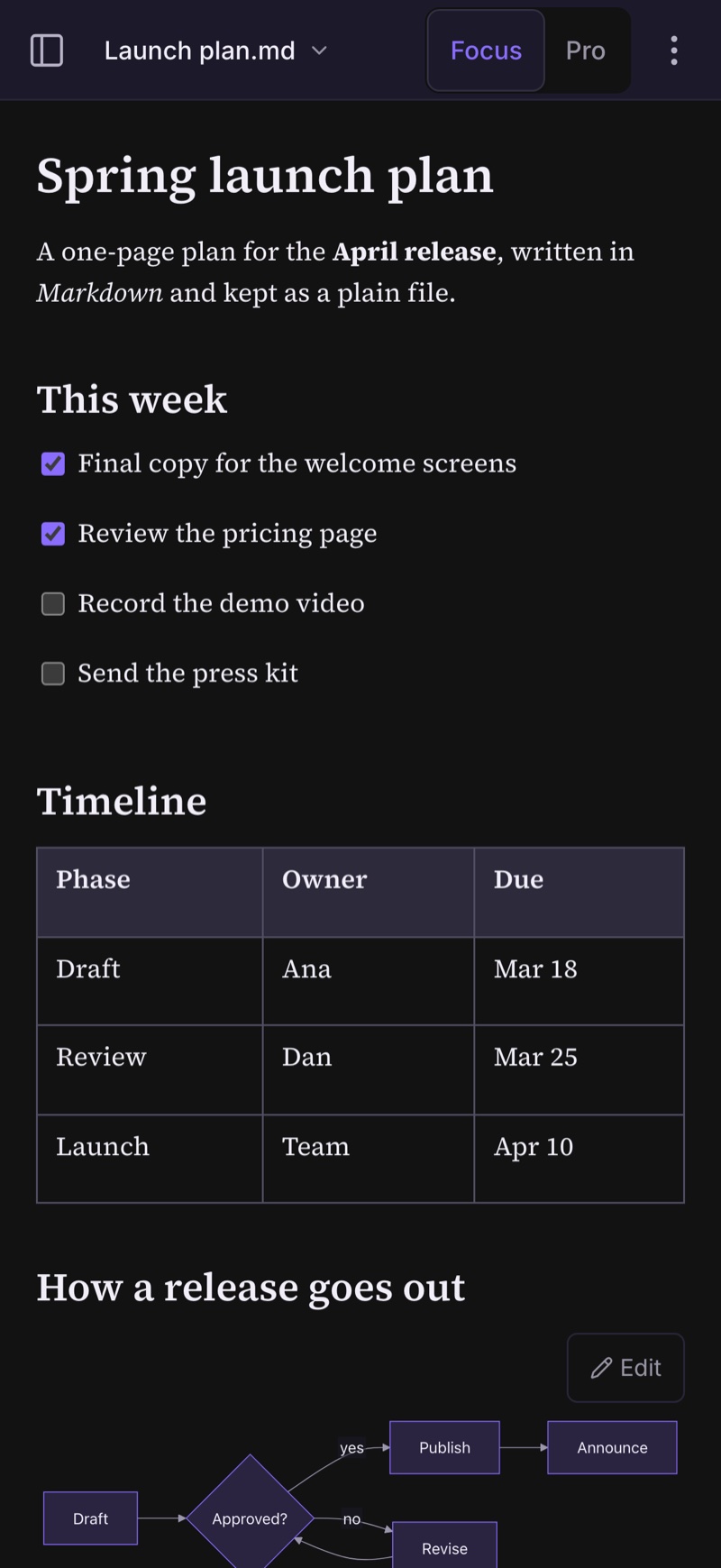
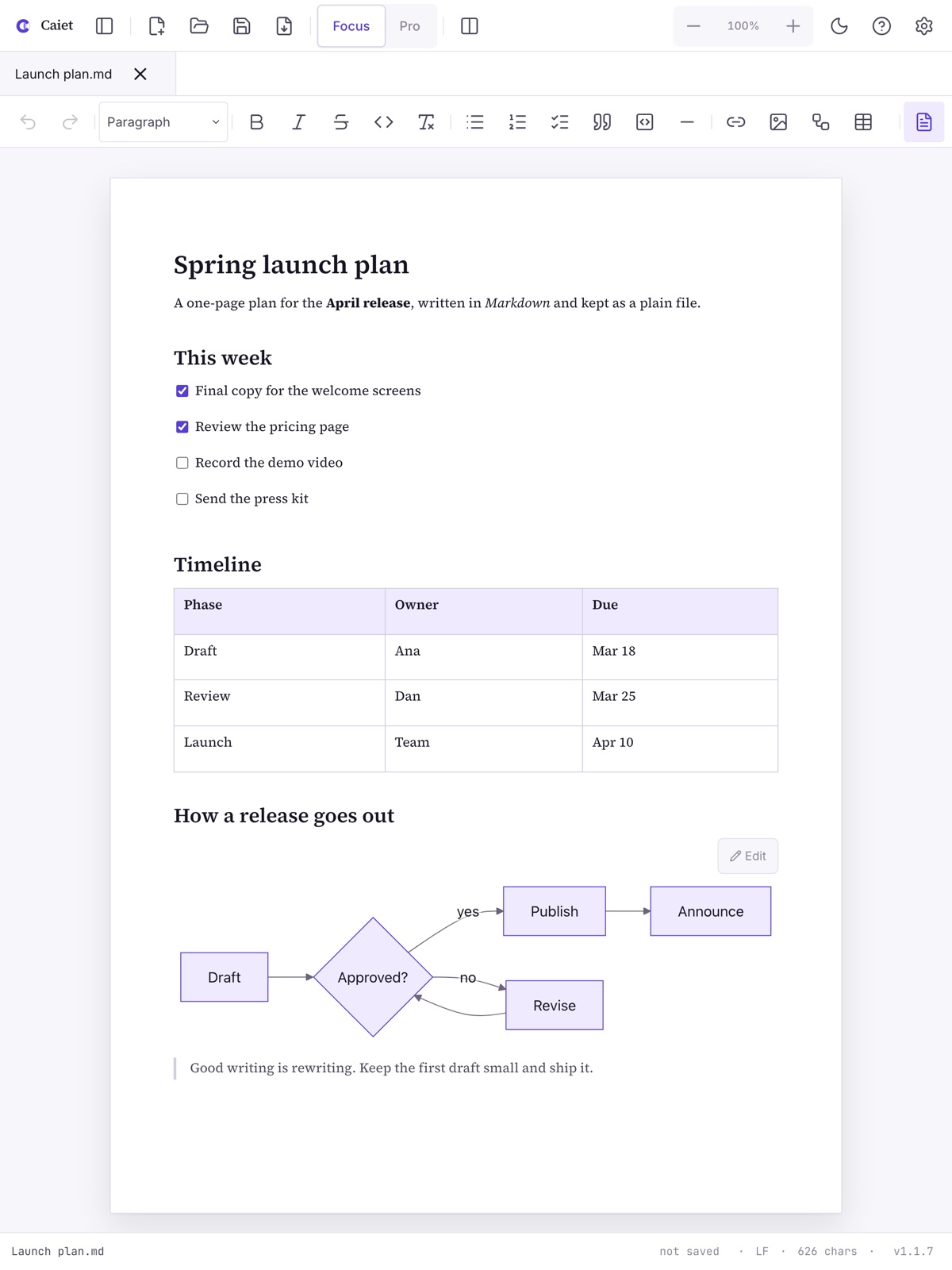
Focus is the page and your words, formatted as you type, with a toolbar for headings, lists, tables, images and diagrams. Pro puts the Markdown next to a live preview that scrolls with you. Switch any time; the file stays the same.
See it move
From a folder of notes to a finished PDF.
Open files from the sidebar, jump through the outline, edit a diagram, write with paragraph focus and typewriter scrolling, and export, all in one take.
Diagrams
Draw with a few lines of text.
Mermaid diagrams are built in: flowcharts, sequence, class, state and entity-relationship diagrams, Gantt and pie charts, mind maps, timelines and git graphs. Pick one from the toolbar, edit the few lines of text next to a live preview, and the diagram stays sharp at any zoom and in the PDF. Diagrams written for Azure DevOps wikis, in :::mermaid blocks, open as they are.
flowchart LR
  Draft --> Review{Approved?}
  Review -- yes --> Publish
  Review -- no --> Draft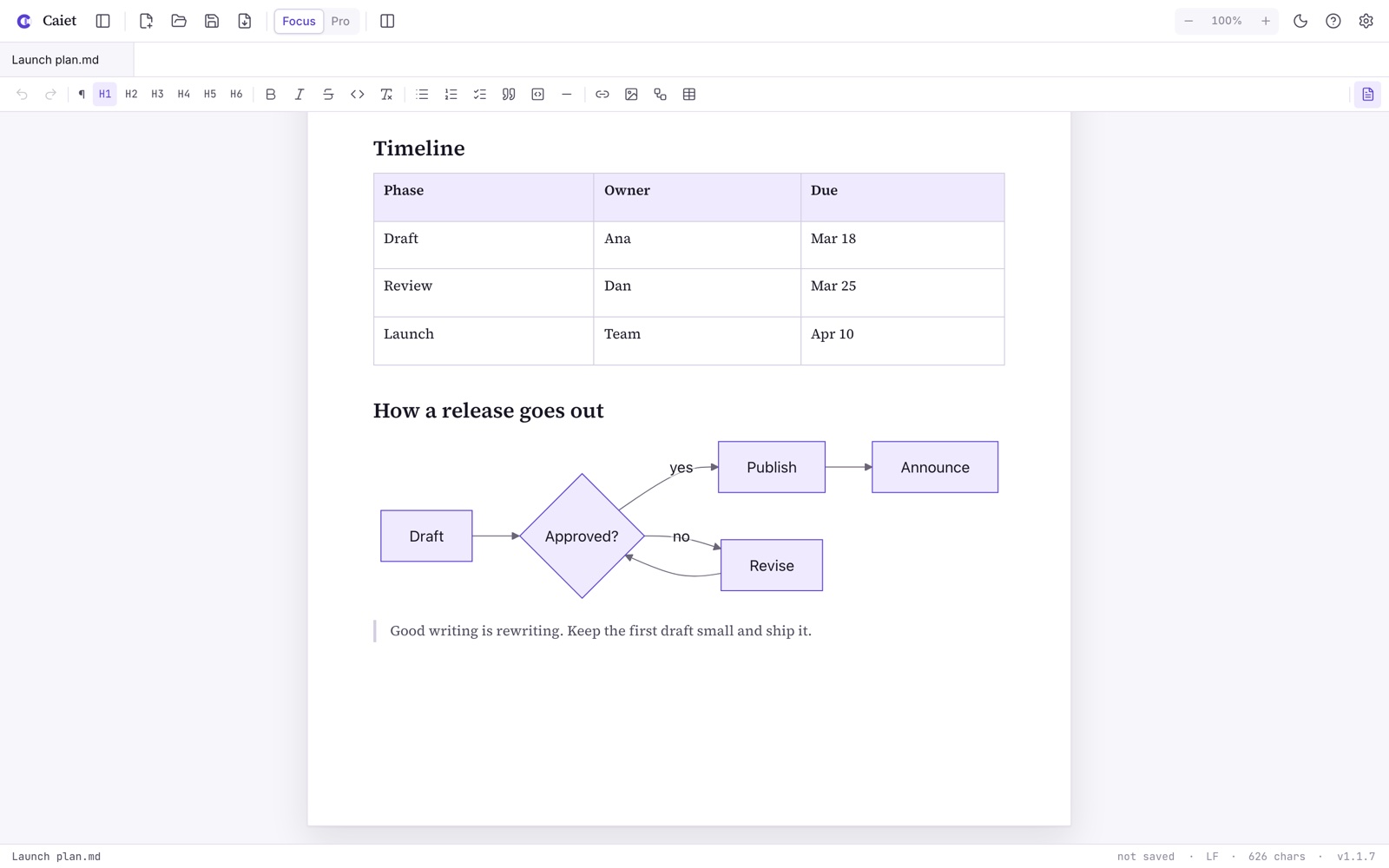
Focus
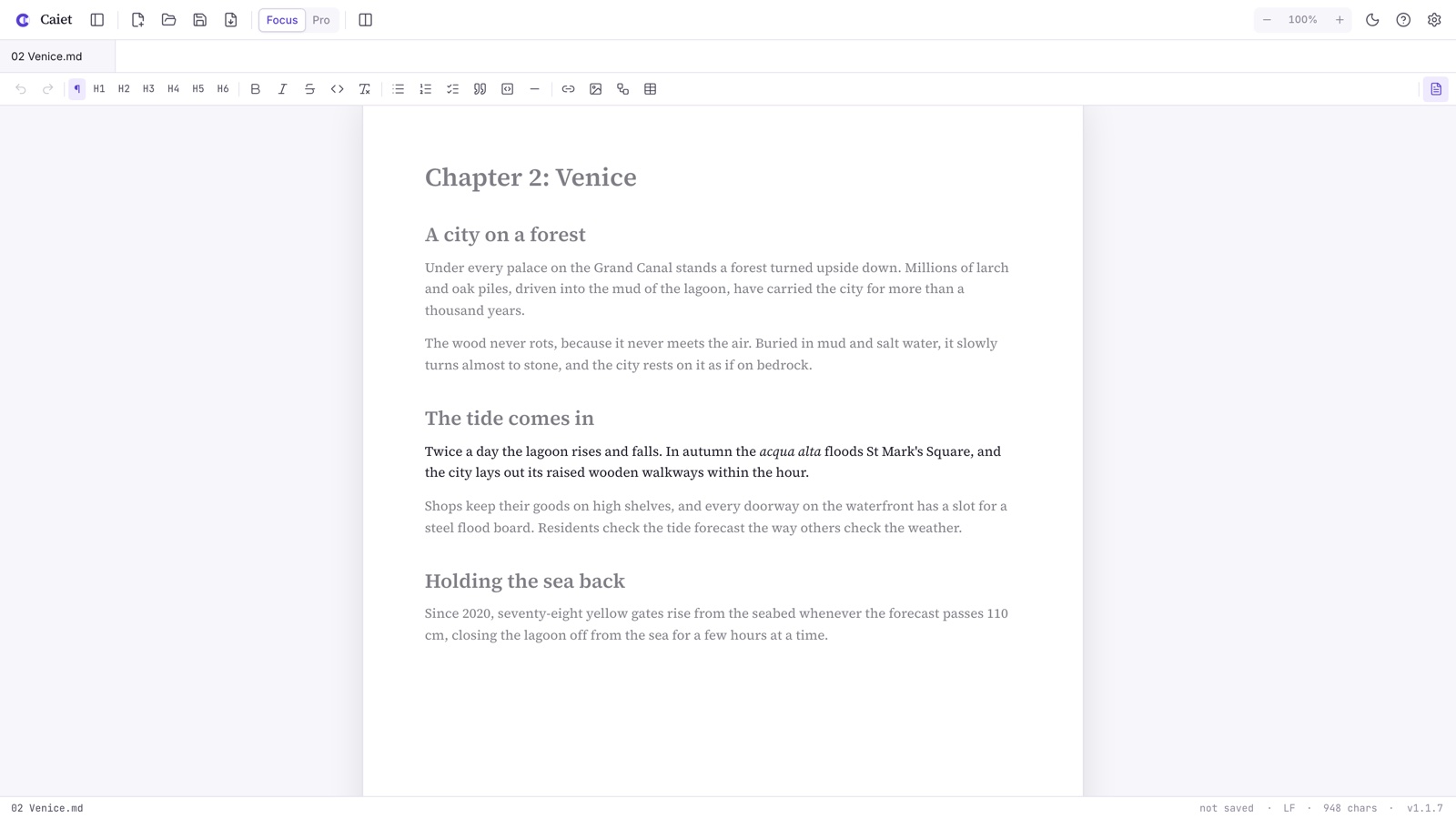
Stay on the paragraph you are writing.
Turn on paragraph dimming and everything except the paragraph you are in fades back. Typewriter scrolling keeps the line you type in the middle of the screen, and a live word count and reading time show how far you have come.
Export
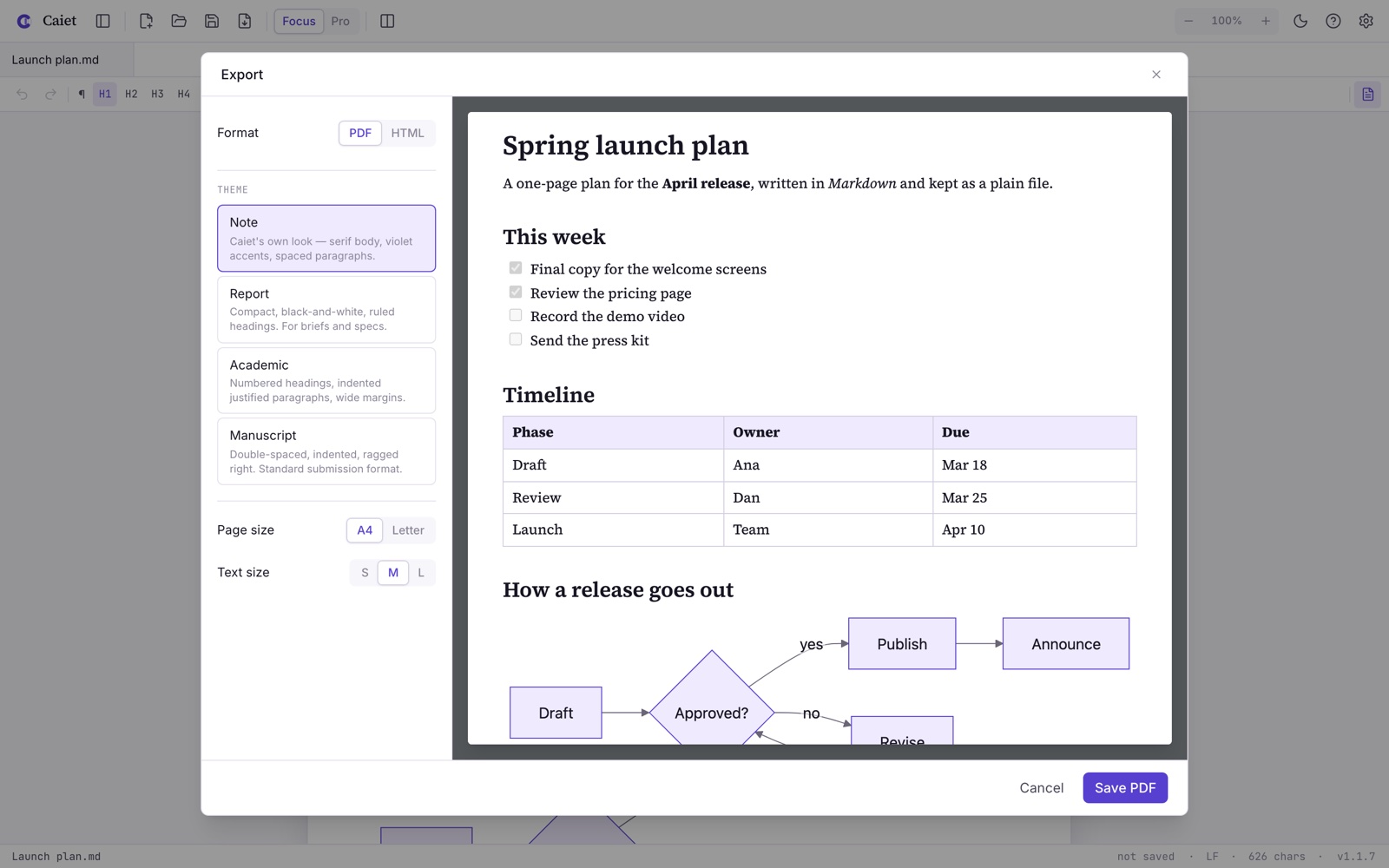
See every page before you export.
Pick one of four page styles, A4 or Letter, and page through the PDF in a live preview before you save it. Diagrams, tables and images go into the PDF sharp, with no extra steps. HTML export is one click away too.
Long documents
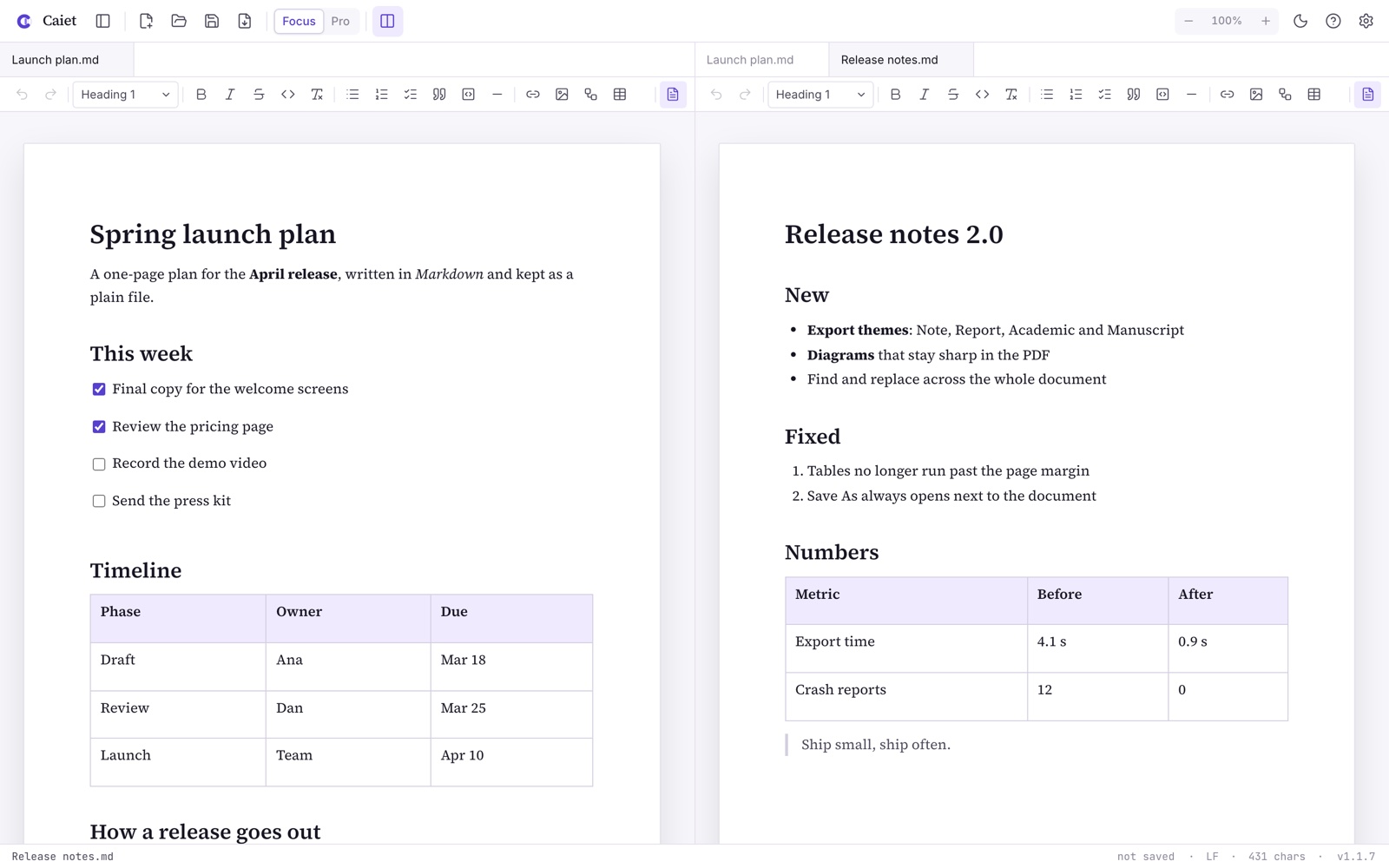
A hundred pages, still under control.
Open a folder in the sidebar and jump between headings from the outline, with reading time for every section. Find and replace across the document or the whole folder, keep several documents open in tabs, and put two side by side.
Yours
Your files. Your device. Nobody else.
Plain files
Ordinary .md files that open in any editor. Add images and Caiet keeps them with the text in one .caiet file.
Offline, no tracking
No account, no cloud, no analytics, no ads. Caiet works without a connection and never uploads your documents.
Changed somewhere else?
If a file changes on disk while it is open, Caiet tells you and shows the difference, so you choose which version to keep.
Light and dark
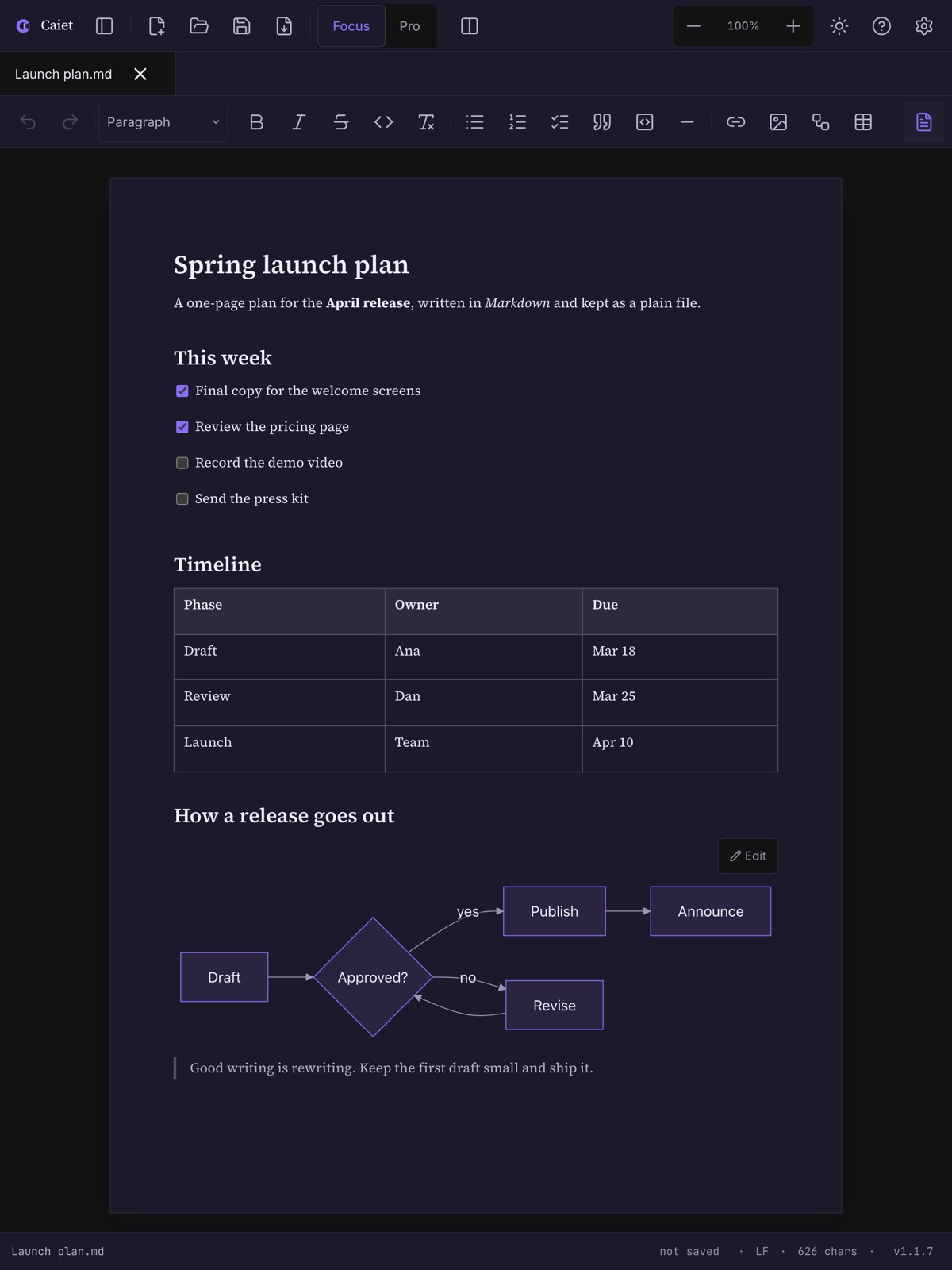
A paper-white page by day, a dark page at night, or follow your system.
Spell check
Your system dictionary underlines typos as you write. Code blocks are left alone.
Autosave and recovery
Your work is kept as you type, and comes back after a crash.
Everywhere you write
At your desk and on the go.
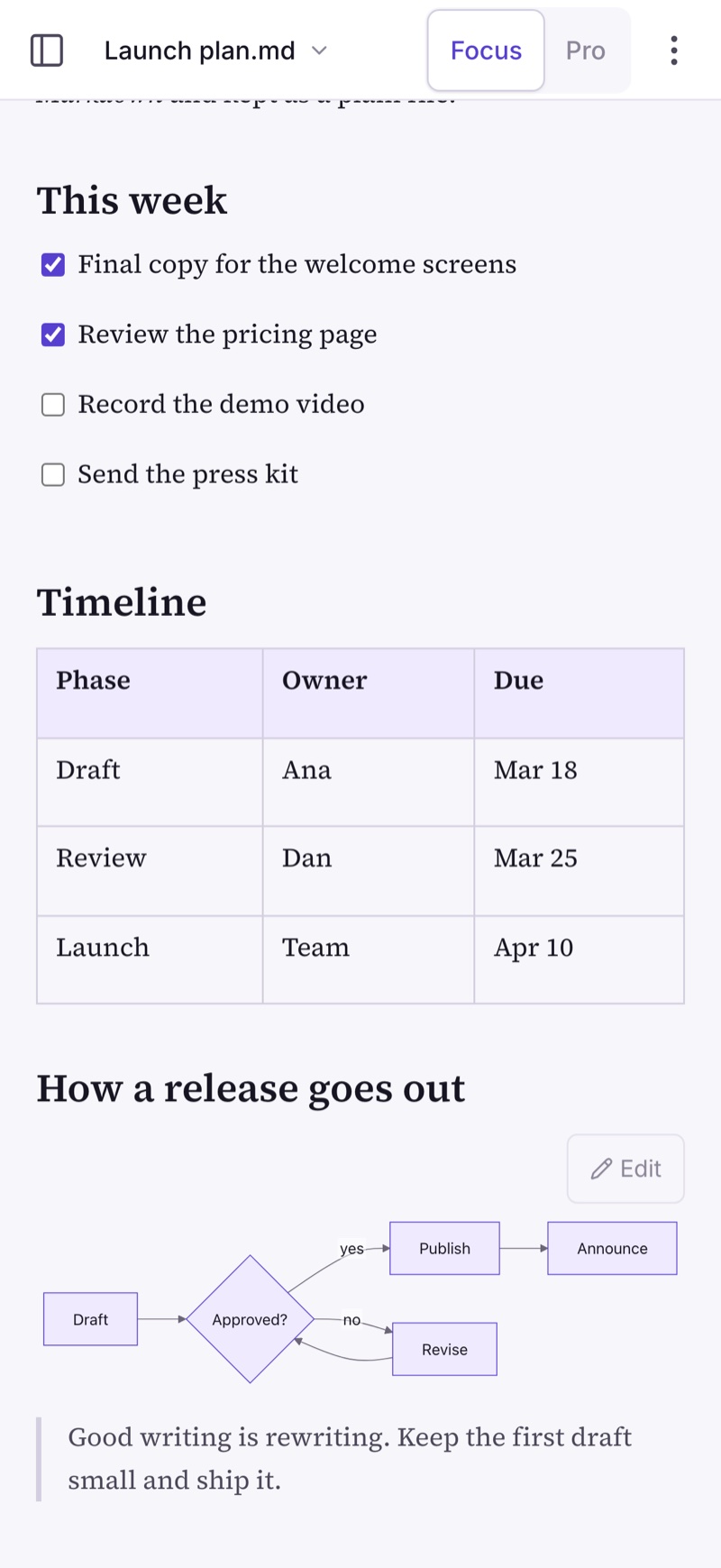
The same editor and the same plain files on Windows, Mac, iPhone, iPad and Android. On a phone the page goes full width and the toolbar sits above the keyboard.
One price. Yours to keep.
9.99 USD, or the local price in your app store. Pay once and every feature is yours: Focus and Pro, diagrams, all four page styles, PDF and HTML export. No subscription, no account, no ads.
- Every feature included
- Free updates
- Mac, iPhone and iPad in one purchase
- Works fully offline
Questions
Do I need to know Markdown?
No. In Focus mode you write on the page like in a word processor: headings, lists, tables and images look like the result. Markdown is simply how the file is saved, so it stays readable anywhere. Switch to Pro mode whenever you want to see the source.
Does the screen show page breaks?
No. While you write, the text sits on one sheet with the width and print margins of A4 or Letter, and the sheet grows as you write. The page breaks appear in the export preview, which shows every page exactly as it goes into the PDF.
Can I open the Markdown files I already have?
Yes. Any .md file opens in Caiet and is saved back as plain Markdown, so it keeps working in your other editors. Mermaid diagrams in the :::mermaid blocks of Azure DevOps wikis are drawn too.
Where are my documents stored?
Wherever you save them: they are normal files on your computer, your phone or your own synced folder. Caiet has no account and no server of its own.
What does it cost?
9.99 USD, or the local price in your app store, paid once, with no subscription. On Apple devices one purchase covers Mac, iPhone and iPad.
Which systems are supported?
Windows 10 (version 2004) and Windows 11, macOS 12 or later, iPhone and iPad with iOS 16 or later, and Android 7 or later.
Can I export to Word?
Not yet. Caiet exports PDF and HTML today, and the .md file itself opens in most editors and converters.
Does it work offline?
Completely. The only time Caiet goes online is to show an image from the web that your own document links to, and it asks first.
Something else? Get in touch.